Independence. Together.

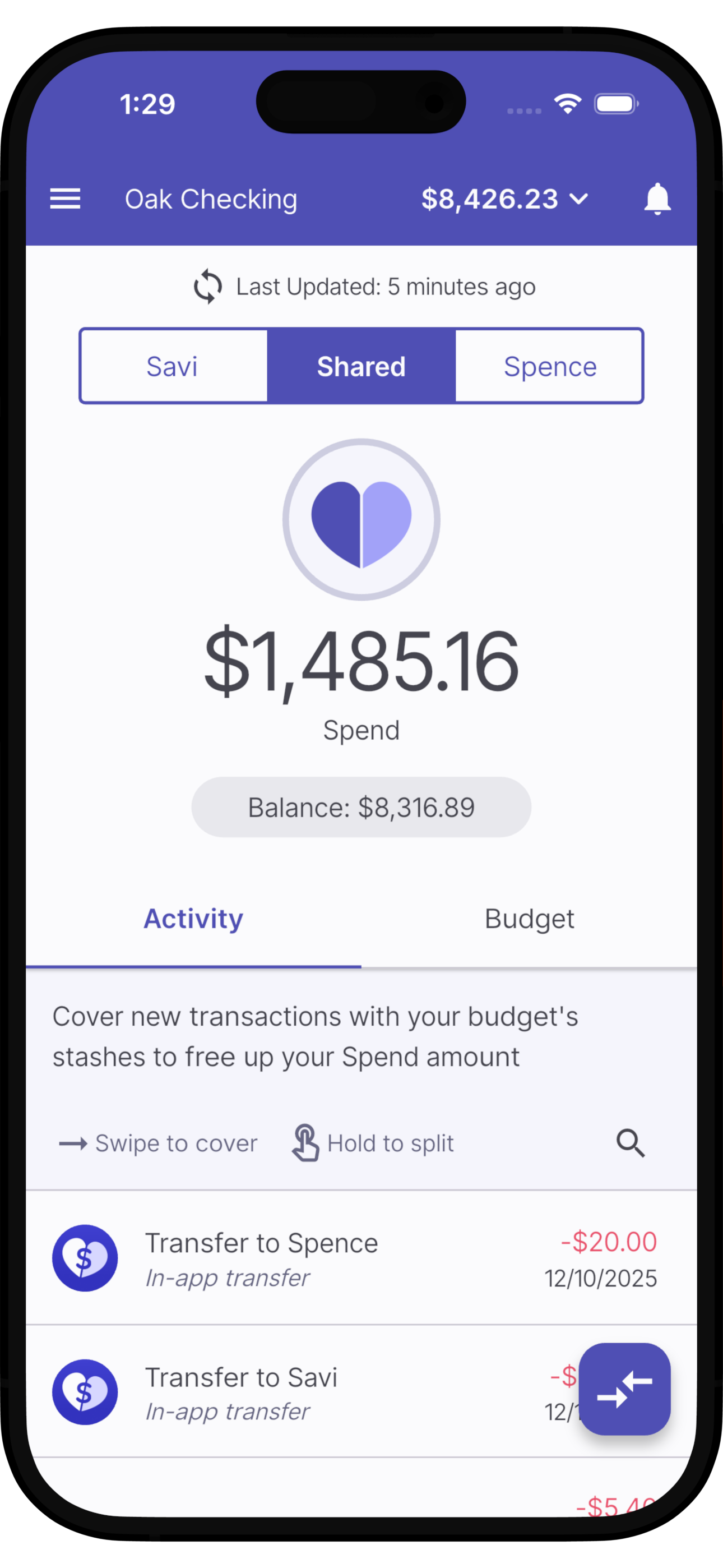
Screenshot of a mobile banking app showing a balance of $8,426.23 in the 'Oak Checking' account. The app displays a total spend of $1,485.16 and a remaining balance of $8,316.89. Recent transactions include transferring $20.00 to Spence and transferring money to Savi.

Envelope budgeting for couples that splits shared bank accounts into Yours, Mine, & Ours.

Split your balance

Divvy up your account’s balance across three virtual accounts: Personal, Partner, and Shared
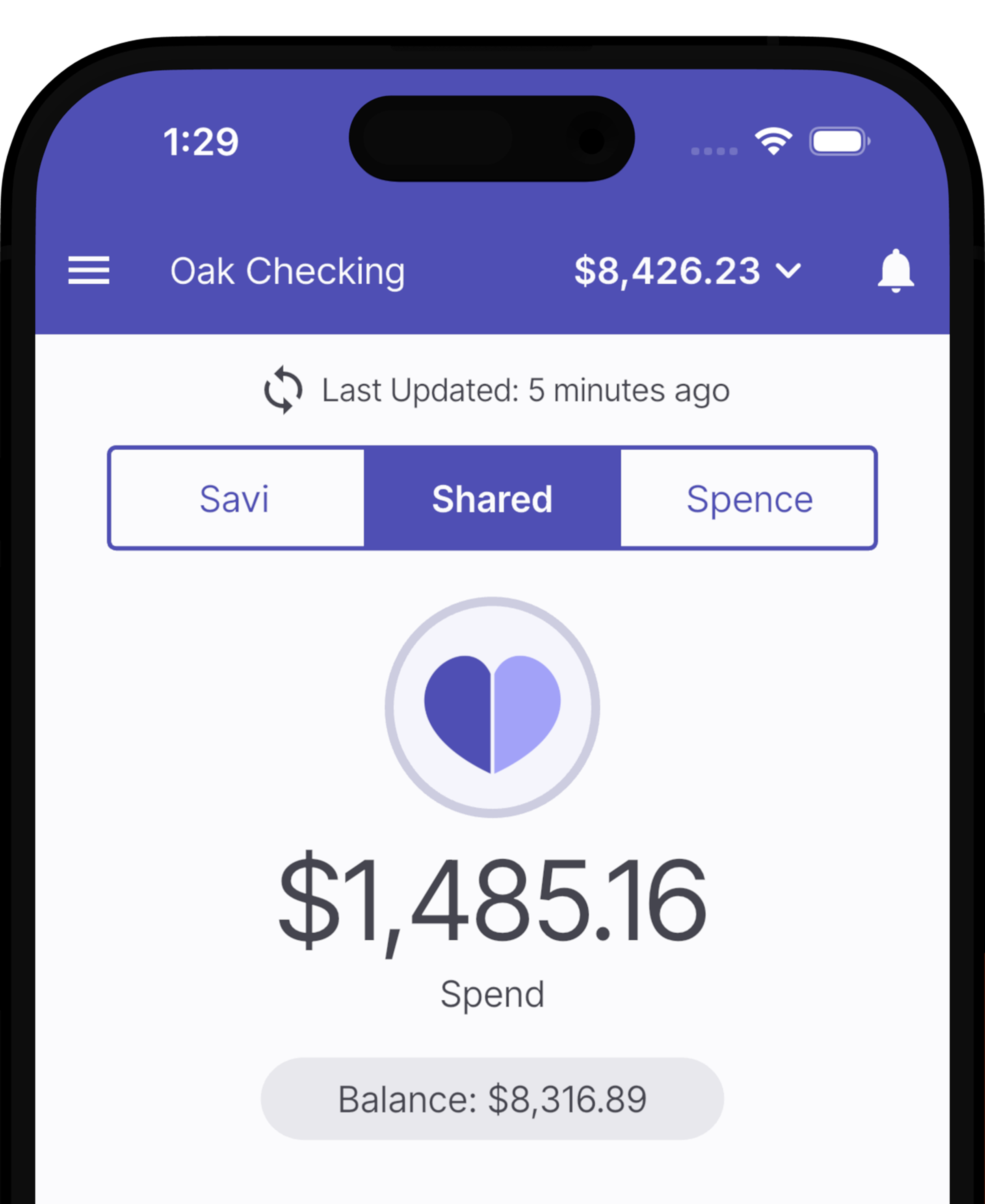
Mobile banking app screen showing account balance of $8,426.23, recent activity update, shared account tab selected, and a spending amount of $1,485.16 with a remaining balance of $8,316.89.

Set your budgets

Create stashes for expenses, goals, and funds and we’ll fund them automatically each paycheck
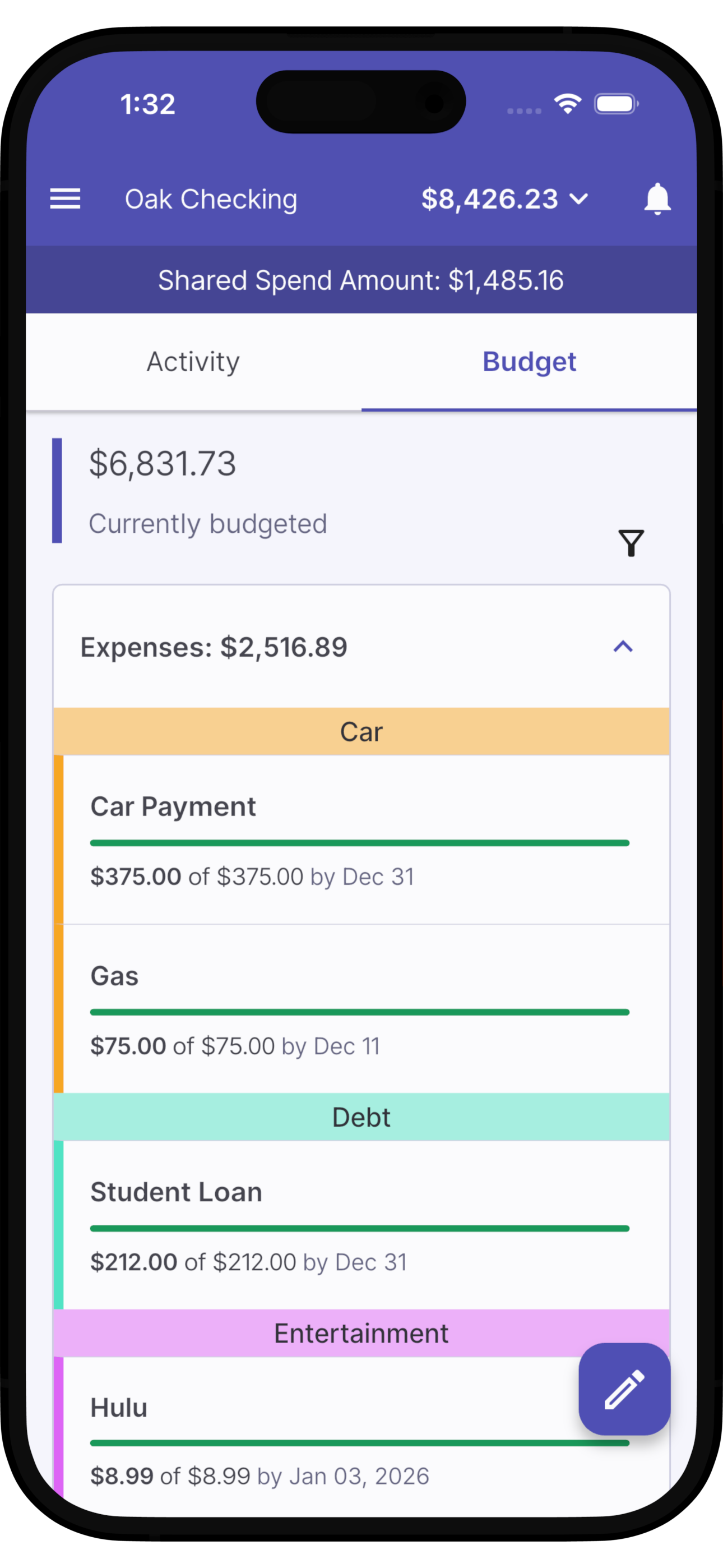
Mobile banking app screen showing account balance of $8,426.23 with shared spend of $1,485.16. Budget tab open, displaying current budget of $6,831.73. Expense categories include Car, Gas, Student Loan, and Entertainment, with respective payments and deadlines.

Know what you can spend

Once your budget is set, reference your Spend amount in the blink of an eye. No more stressing out at the check out line!
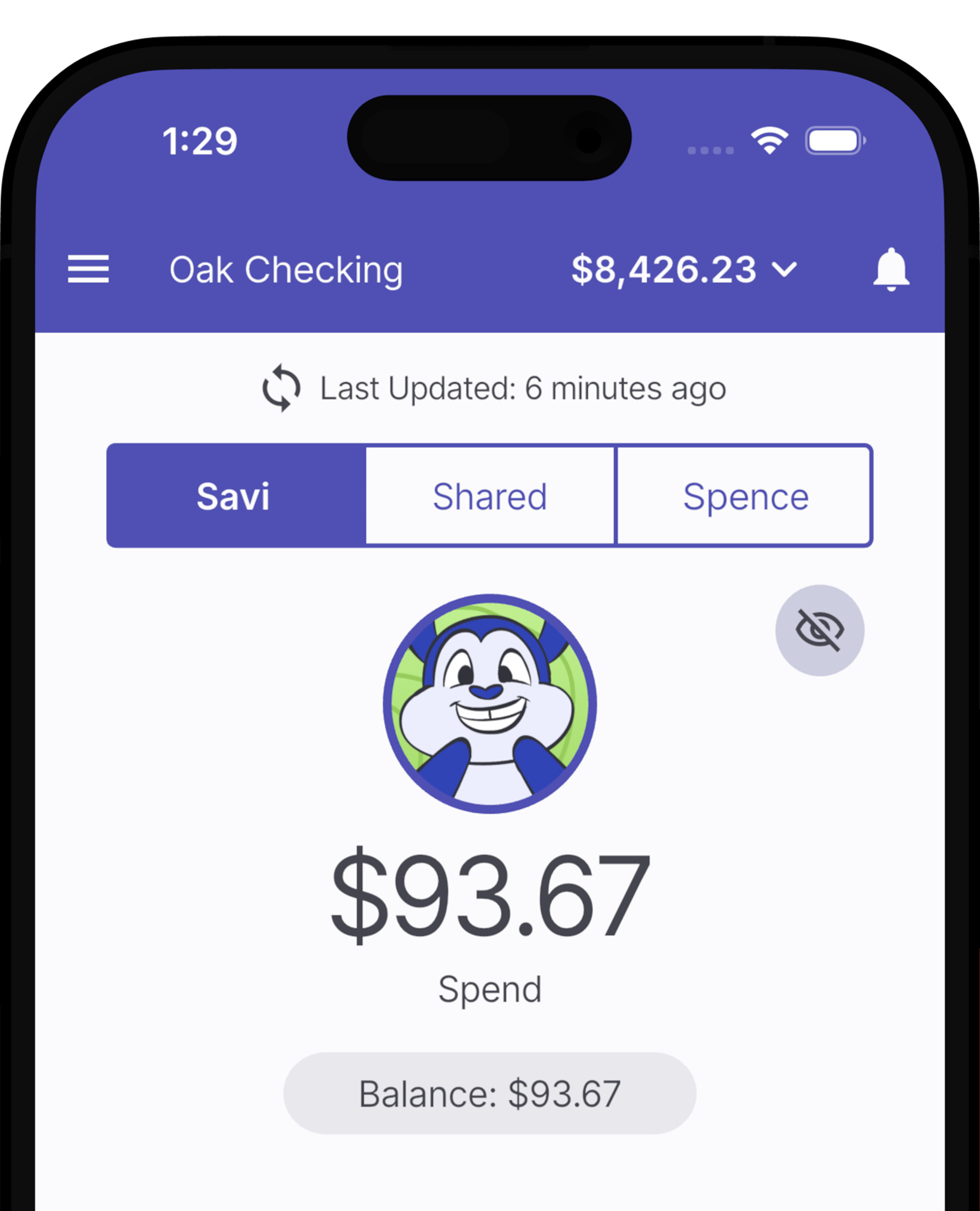
Mobile banking app showing the balance, recent activity, and spending details for a checking account with $8,426.23 balance, last updated 6 minutes ago, and a recent spend of $93.67.

Split your bills

Use your virtual account balances to split and cover new transactions as they arise.
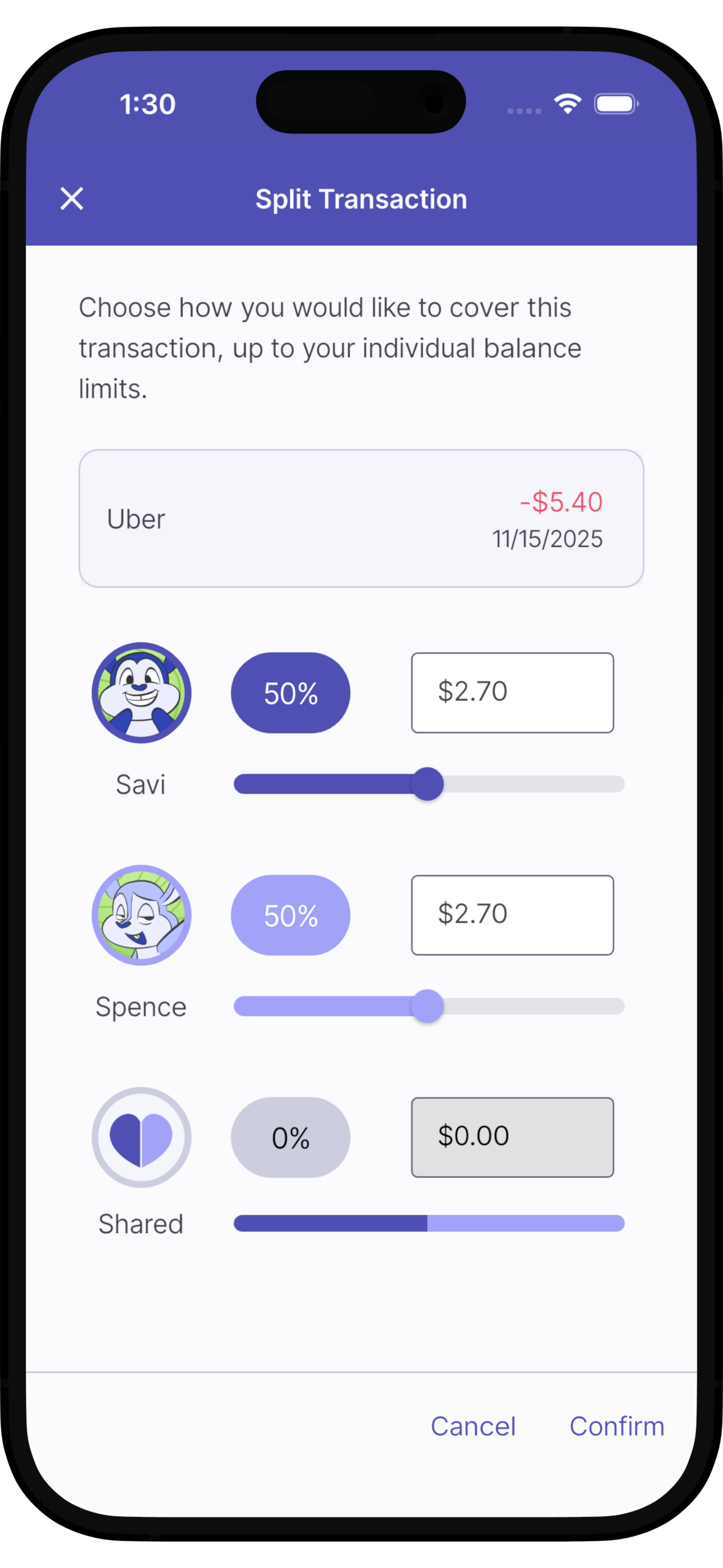
Screenshot of a mobile app interface for splitting a transaction, displaying options to split costs between two users with cartoon avatars, sliders for contribution percentages, and buttons for canceling or confirming the split.

Keep things private

Hide your personal budget and purchases from your partner’s view. Or if you prefer transparency - keep everything visible. It’s up to you!
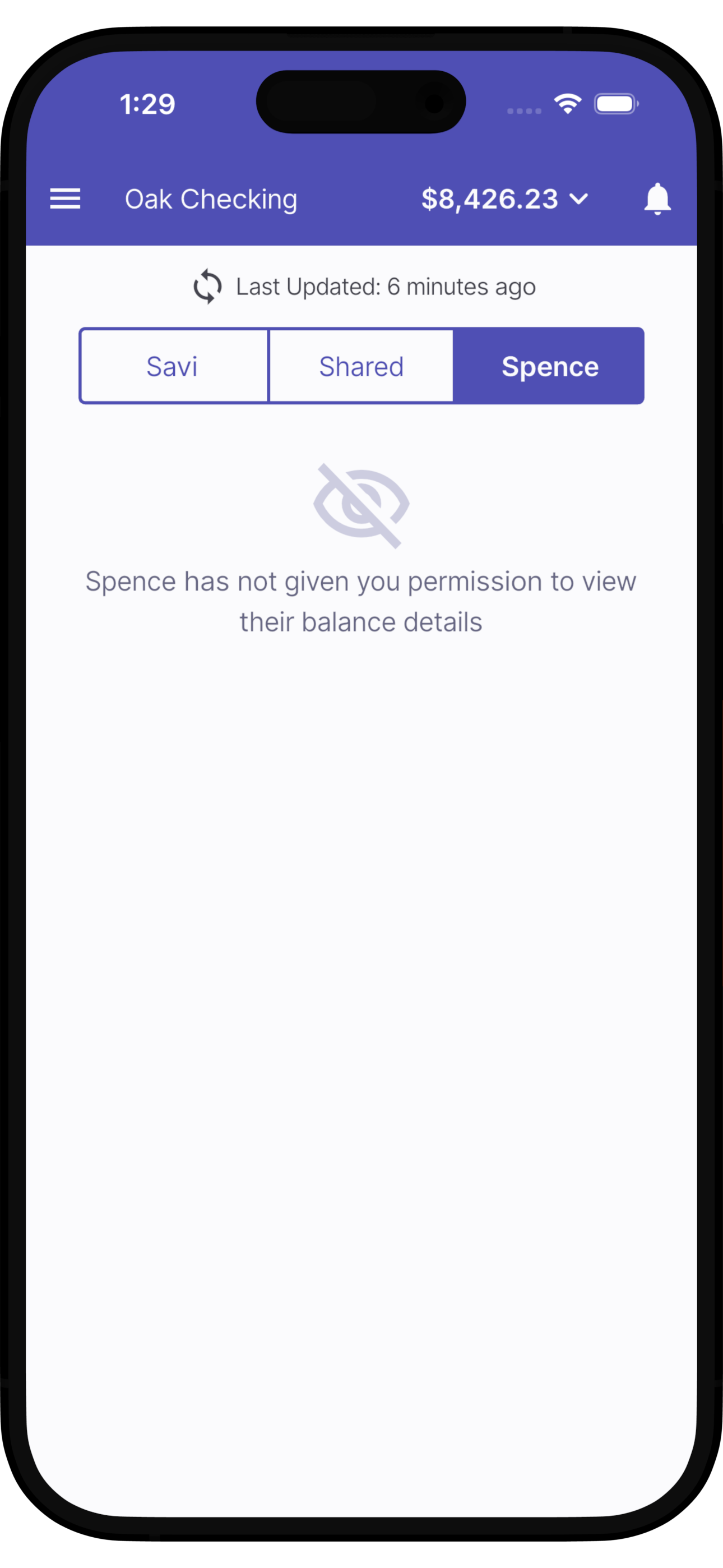
A screenshot of a banking app showing the account named 'Oak Checking' with a balance of $8,426.23. The app has tabs labeled 'Savi,' 'Shared,' and 'Spence,' with 'Spence' selected. A message indicates that Spence has not given permission to view their balance details. The time displayed on the device is 1:29, and the network status shows Wi-Fi and battery icons.

Stay accountable

When your personal balance runs out, transactions stay in the shared account - where they can be tackled as a team
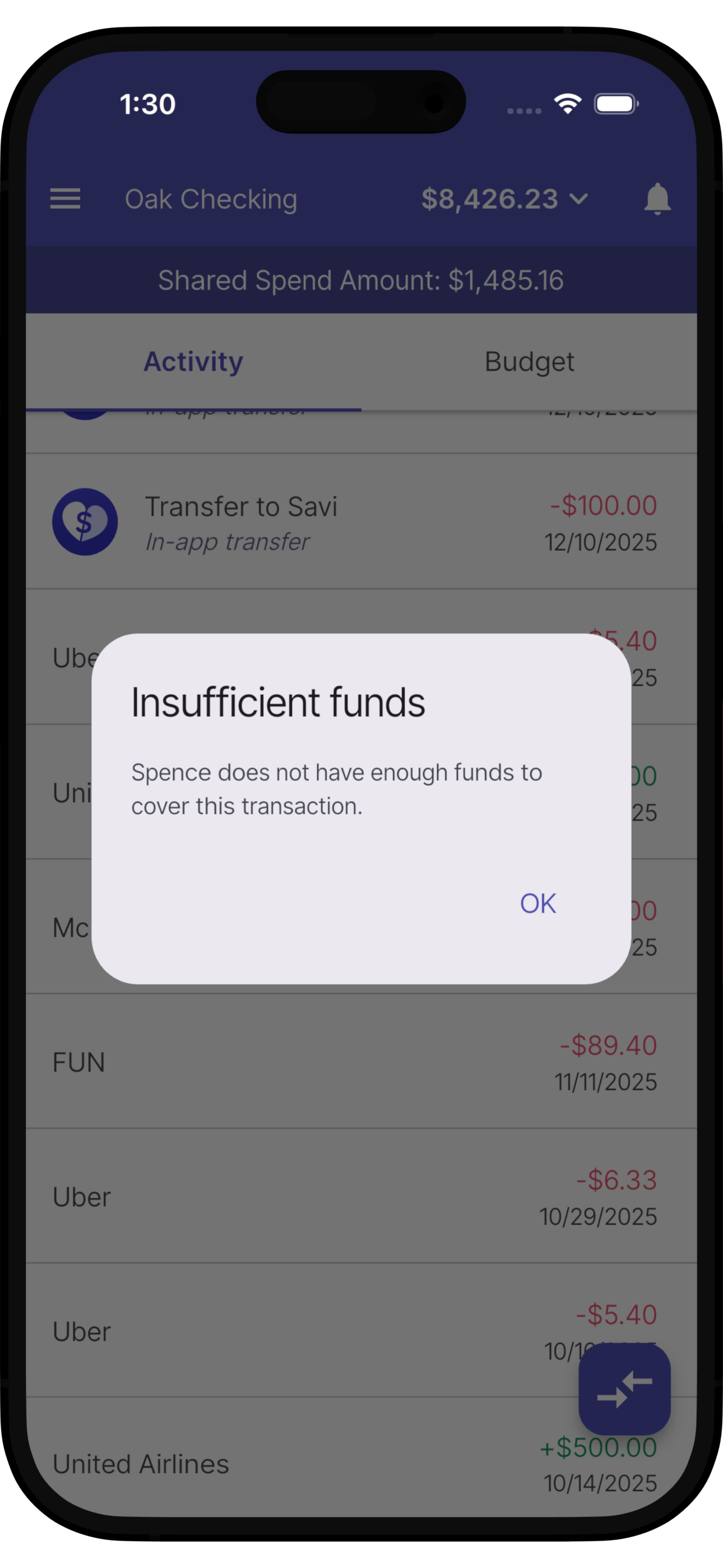
Mobile banking app screen showing insufficient funds error after an attempted transaction, with account details and transaction history in the background.

Generate budgets instantly

Budget set up is effortless using your recurring transactions. Just select the items you’d like to include and stashes will be created for them automatically.
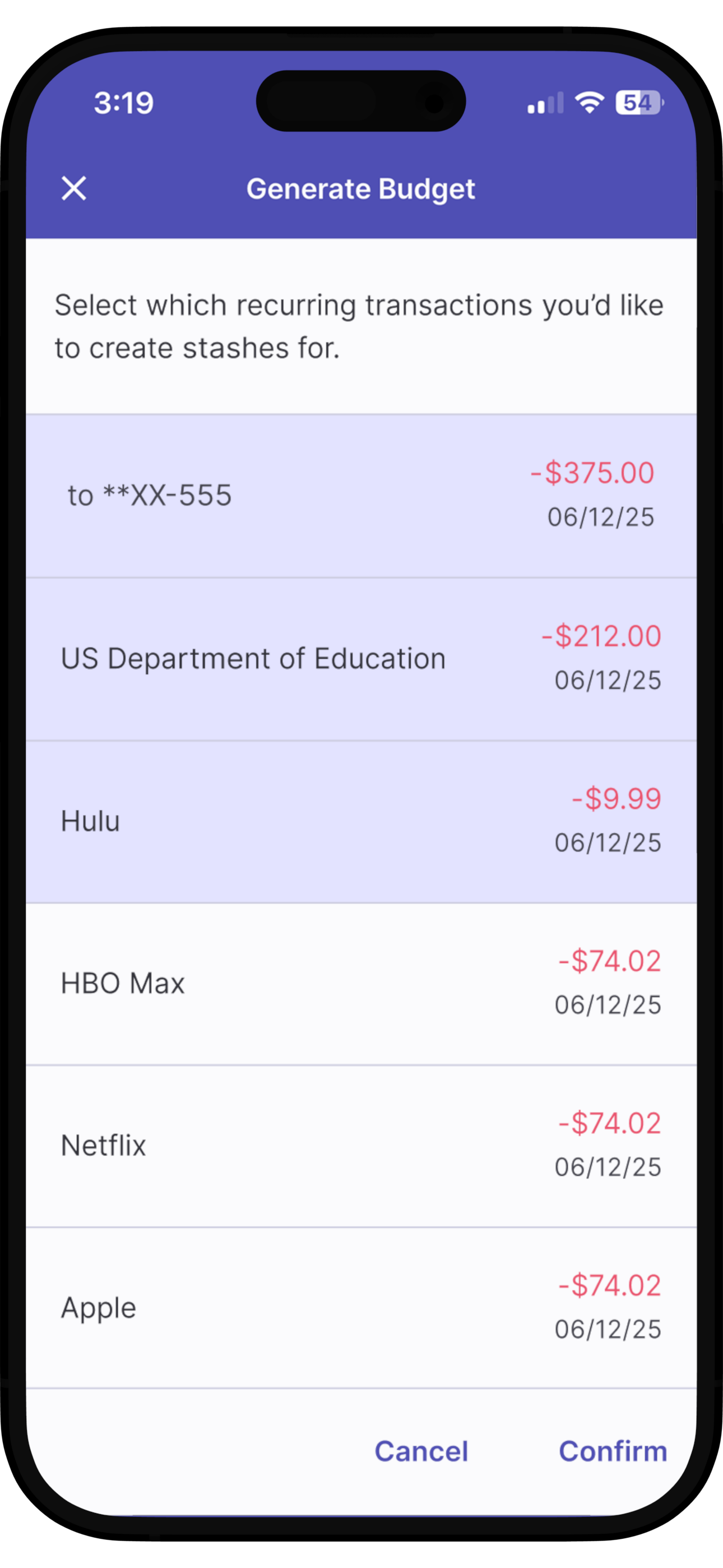
A mobile phone screen displaying a budgeting app titled 'Generate Budget' with a list of recurring transactions, including bank payments, subscriptions, and service bills, each showing the amount spent and the date 06/12/25, with options to cancel or confirm.

Square up with one tap

Everyone’s budget can get a bit out of whack sometimes. Fix your budget instantly using our “Square up” button. You might even find some extra cash laying around ;)
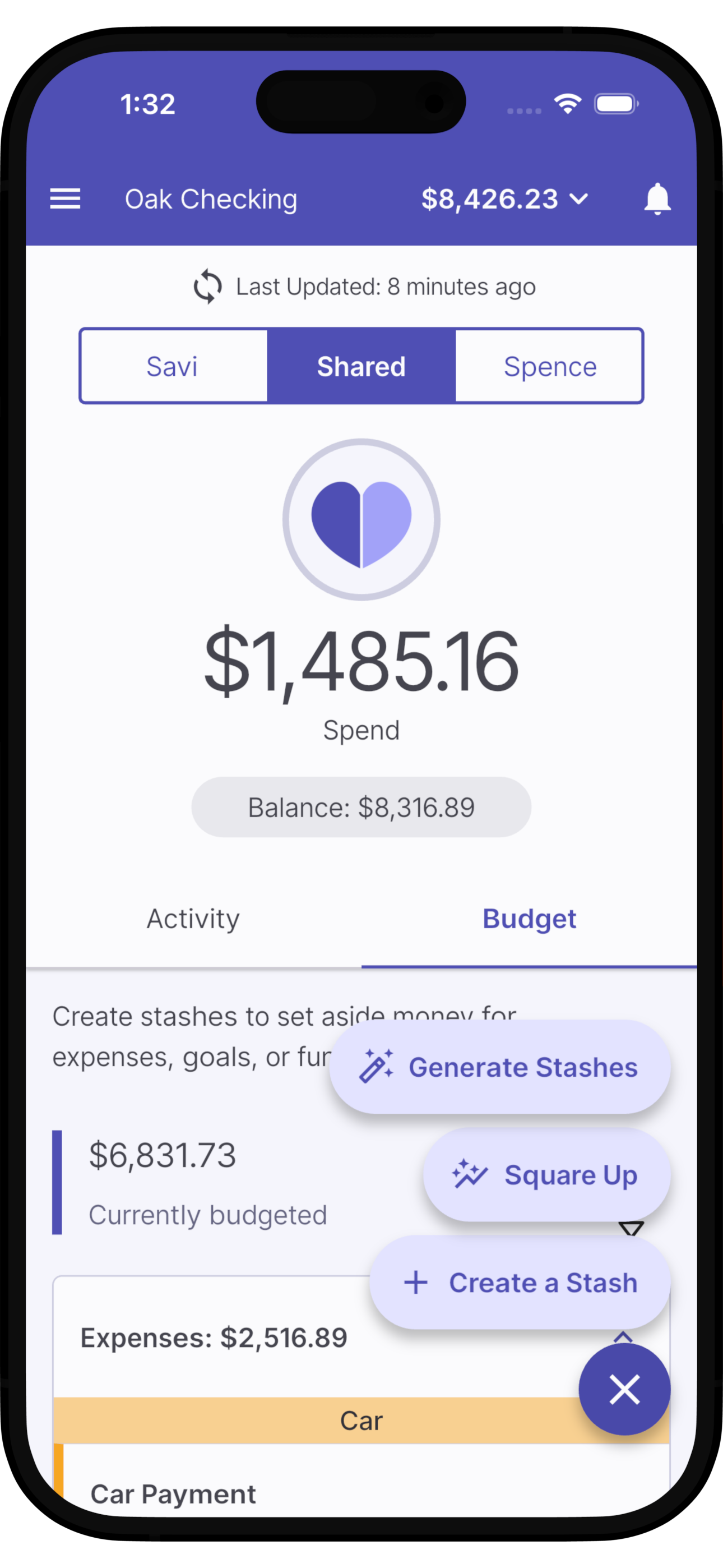
Screenshot of a mobile banking app showing the 'Oak Checking' account with a balance of $8,426.23, recent activity, and budgeting features.

Flexible solo budgeting

Not all couples like to pool everything all of the time. For independent budgeters, simply set your bank account to solo mode. You’ll get all of our envelope budgeting tools with none of the frills for couples.
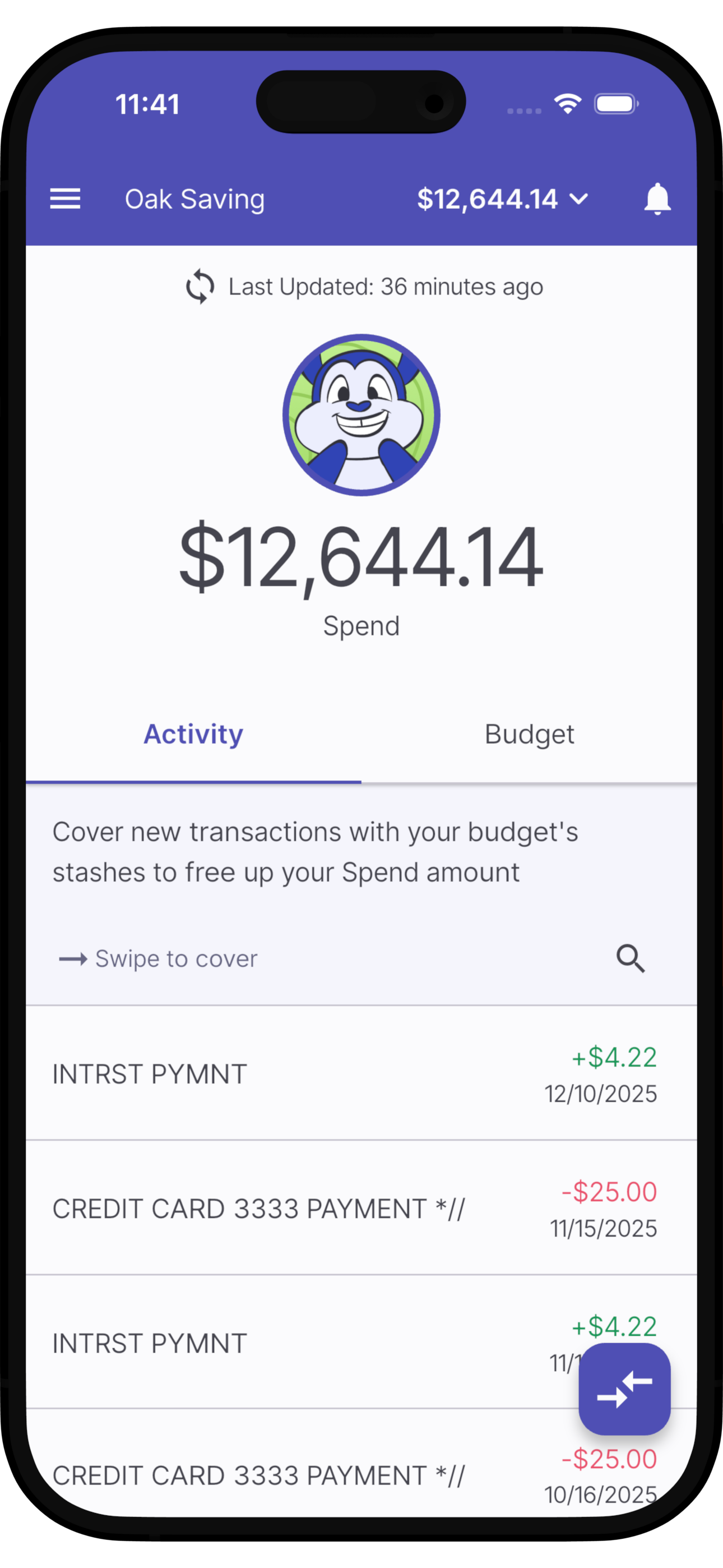

Mobile banking app screen displaying a balance of $12,644.14 in the 'Oak Saving' account, with recent transactions showing deposits and payments, and a cartoon character icon at the top.
Two cartoon squirrels hugging and smiling, with one squirrel winking and the other smiling happily.